Tree view in horizontal form
JSON data in a hierarchical horizontal tree form (https://alljson.com/open-htree)
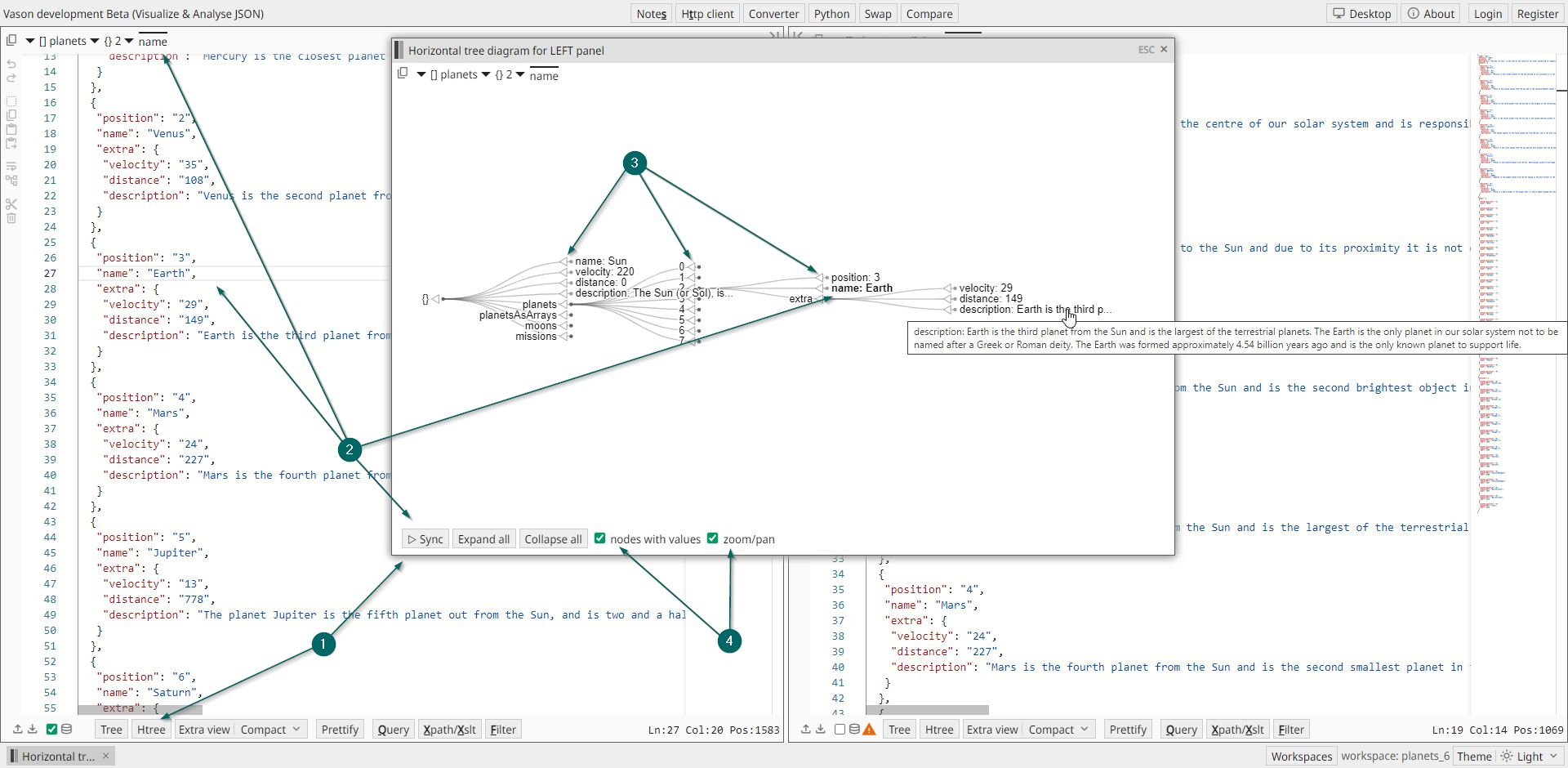
The Horizontal tree window allows you to analyze JSON data in a hierarchical horizontal tree form,
providing a visual representation for easier understanding and navigation.
-
Click the
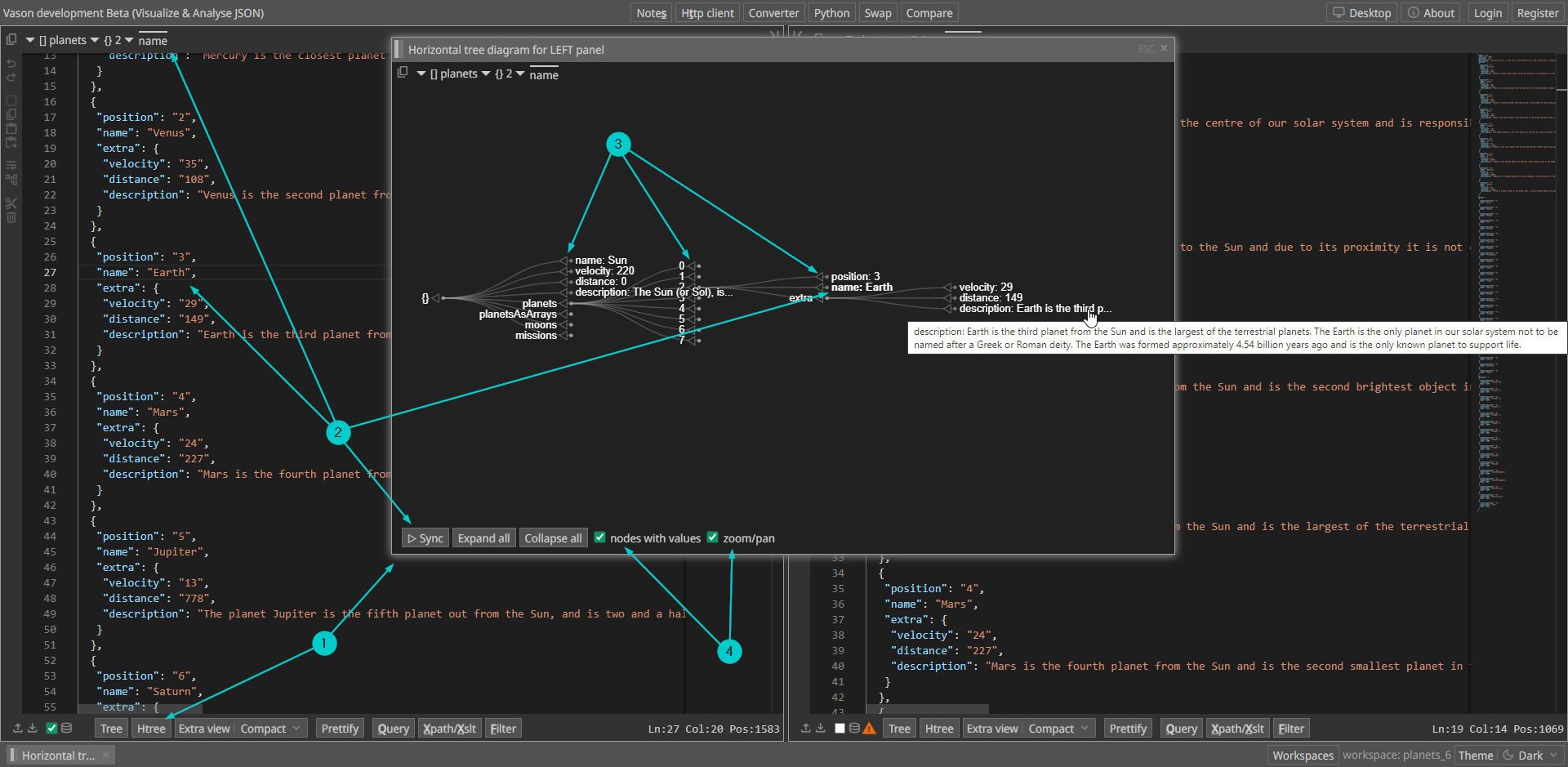
Htreebutton on either the left or right side to open theHorizontal treewindow. Opening theHorizontal treewindow from the left side allows you to analyze JSON content from the left JSON panel, while opening it from the right side allows analysis of JSON content from the right JSON panel. You can navigate through the JSON by expanding particular nodes or expand all nodes at once using theExpand allbutton. -
You can synchronize the tree node with the cursor position at the panel you are analyzing the JSON in. E.g.
- Click somewhere on the JSON text on the left panel
- Then click on the
▷ Syncbutton
-
You may also synchronize the other way around. Just click per node on ◁ to position the cursor in the active JSON panel
-
Additionally, in this window, the following modes are available:
nodes with values- displaying nodes with both keys and values or only with keyszoom/pan- working in zoom/pan mode or scrolling mode